CyberSmarts for Seniors: Common Computer Accessories (Video 4)
Learn about some common computer accessories that you may encounter, including webcams, printers, headphones, and flash drives.
 Admin
Admin 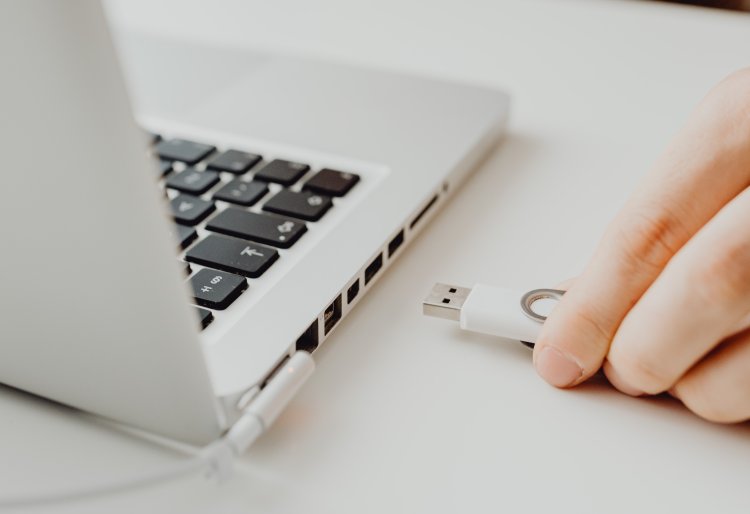
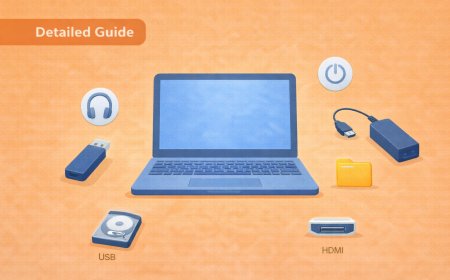
Let’s look at some computer accessories you may need to use in your day-to-day life. The most common accessories you may encounter are webcams, printers, headphones, and flash drives.
As mentioned in our laptop section, webcams allow you to take photos and videos of yourself using your computer and initiate video calls using a service such as Zoom or FaceTime.
Most modern computers have built-in webcams, usually found just above the screen.
Separate USB-powered webcams can be purchased and set up if your computer does not have one. It is generally recommended that you keep that webcam covered when not in use so hackers or unscrupulous parties cannot access and spy on you without your knowledge.
Printers are also a standard computer accessory. They allow you to do various tasks with documents and photos, such as printing, scanning, and faxing.
Some printers are wireless, meaning that any computer, tablet, or smartphone connected to the same network that the printer is hooked up to can use the printer. Other types require a direct USB connection to the computer to function.
Headphones are another standard accessory that allows you to hear any sounds or music coming from your computer without speakers. They allow you to hear things much more clearly, while also containing the sounds to just your ears not to disturb anyone nearby. Most computer headphones plug into the computer either by USB or by 3.5-mm jack.
The two most common types of headphones are in-ear and over-ear headphones. In-ear headphones, like earbuds, are smaller and fit directly into your ear. Because of their small form factor, they are great for listening to music on the go or taking a phone call.
Over-ear headphones are bigger and fit over most of the ear. They are generally more comfortable to use over more extended periods and are suitable for watching videos or having an extended video/phone call.
Flash drives are the last accessory we’ll look at. They are smaller, portable versions of the hard drive found in your tower and allow you to store data such as documents and photos, which you can then transfer to another computer.
Flash drives come in various shapes and sizes, depending on what you need. Things such as text documents have small file sizes and don’t take up much space. Photo and video files usually have larger file sizes, requiring more storage space.
Now you understand the most common accessories you may encounter while using a computer.
In our next lesson, we’ll go over how to use a computer.
This is Part 4 of a 7-Part series. You will get the most benefit out of this series if you watch the videos in order.
Part 3 - Basics of a Chromebook
Part 4 - Common Computer Accessories
Part 6 - Navigating the Windows Homescreen
Part 7 - Navigating the Mac Homescreen
.
Return to the Introduction to the Computer Basics Video Lessons:
Become Computer-Savvy (Video Lessons Intro)
.
Return to the CyberSmarts for Seniors Introduction:
CyberSmarts for Seniors: Practical Lessons to Build Digital Confidence and Safety

This resource is part of the CyberSmarts for Seniors Project, funded in part by the Government of Canada’s
New Horizons for Seniors Program and ELNOS, and delivered in Elliot Lake by Raknas Inc. and Golden Voices, the seniors-focused division of the DiversityCanada Foundation.
,
,